For Square Omni & Home Edition
See the
ZONE
No more guessing where to set up. StrikeLED mounts on your launch monitor and projects your actual detection area on the turf.
Choose from available On/Off, Always-On or Hybrid modes and three brightnesses. Easy, reliable, self-contained.
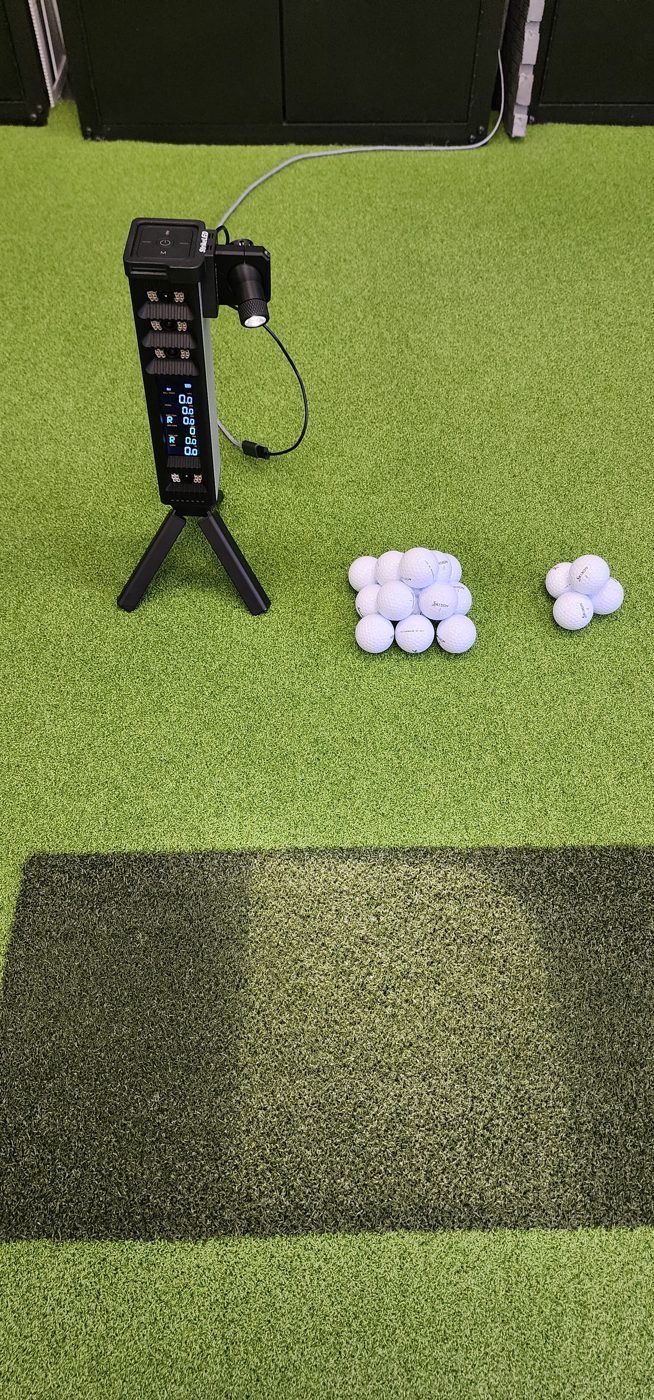
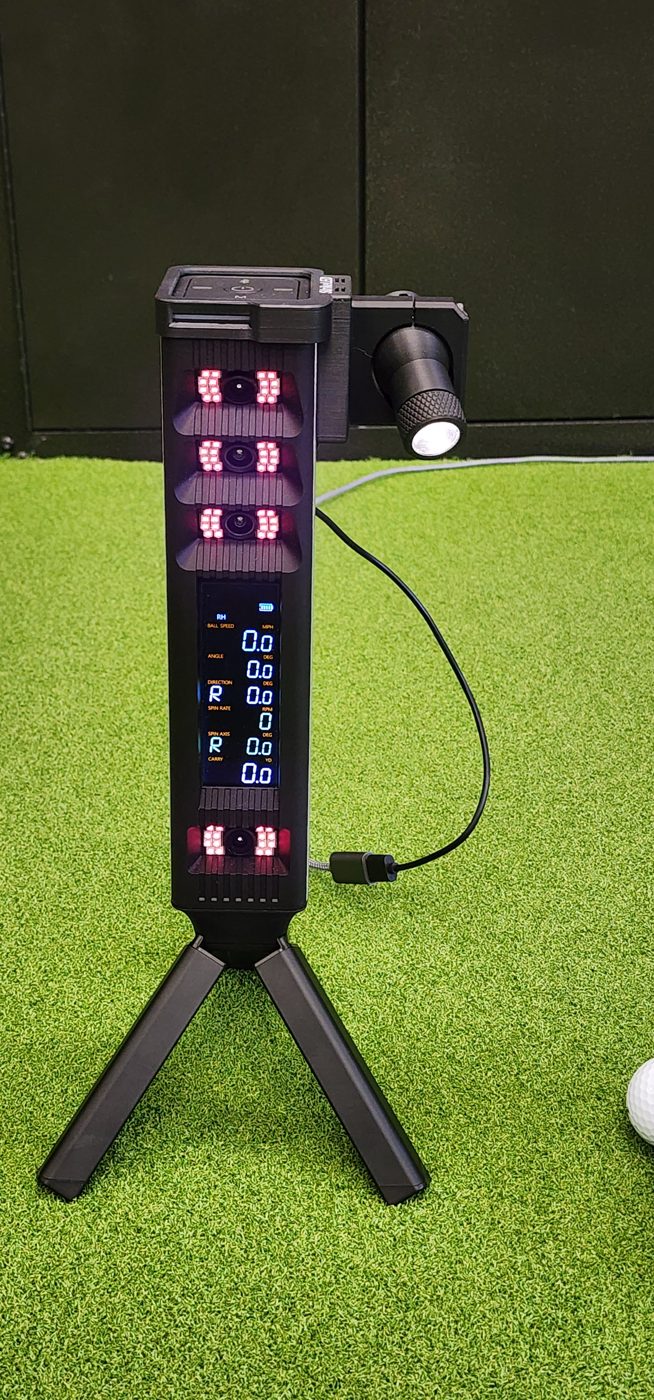
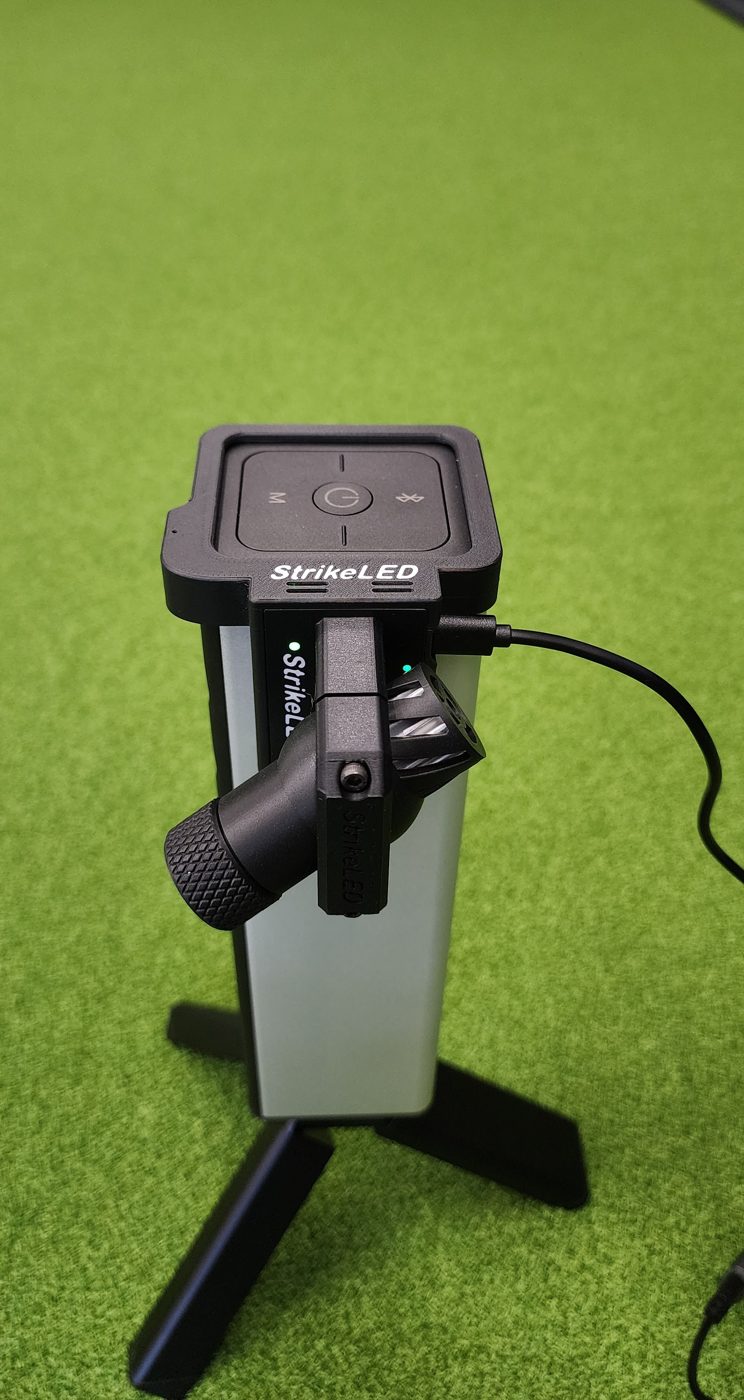
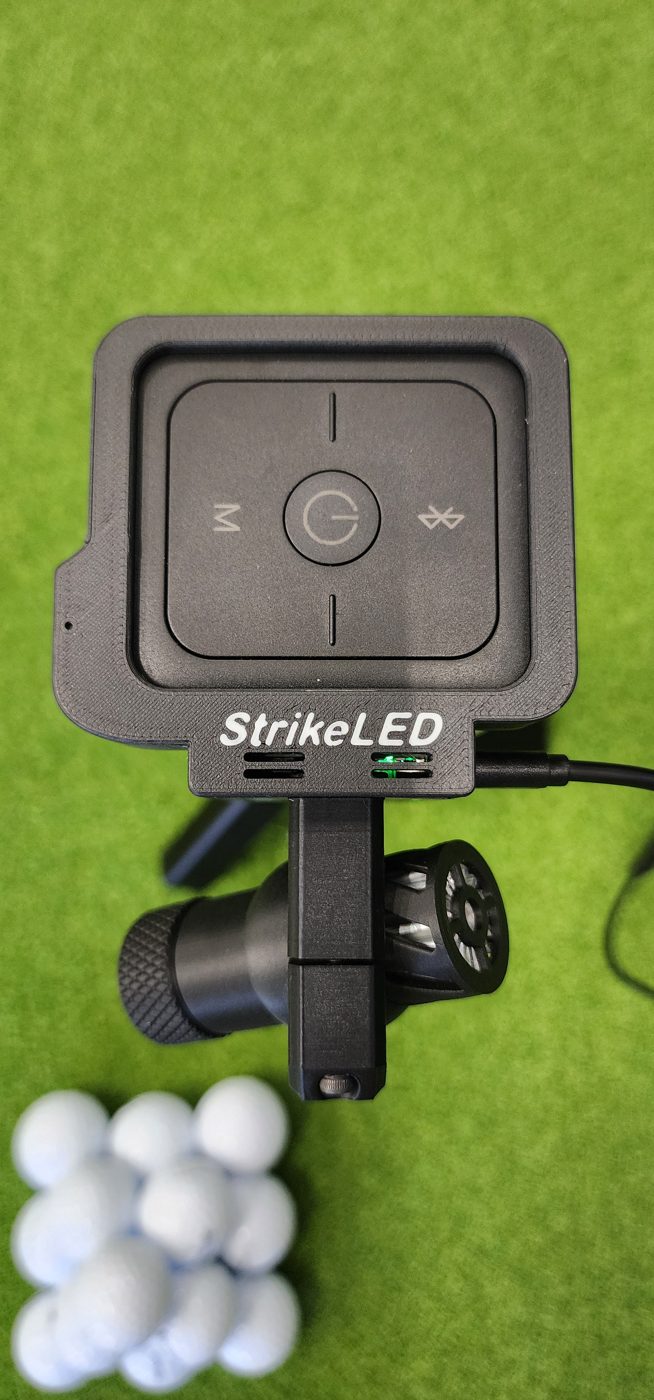
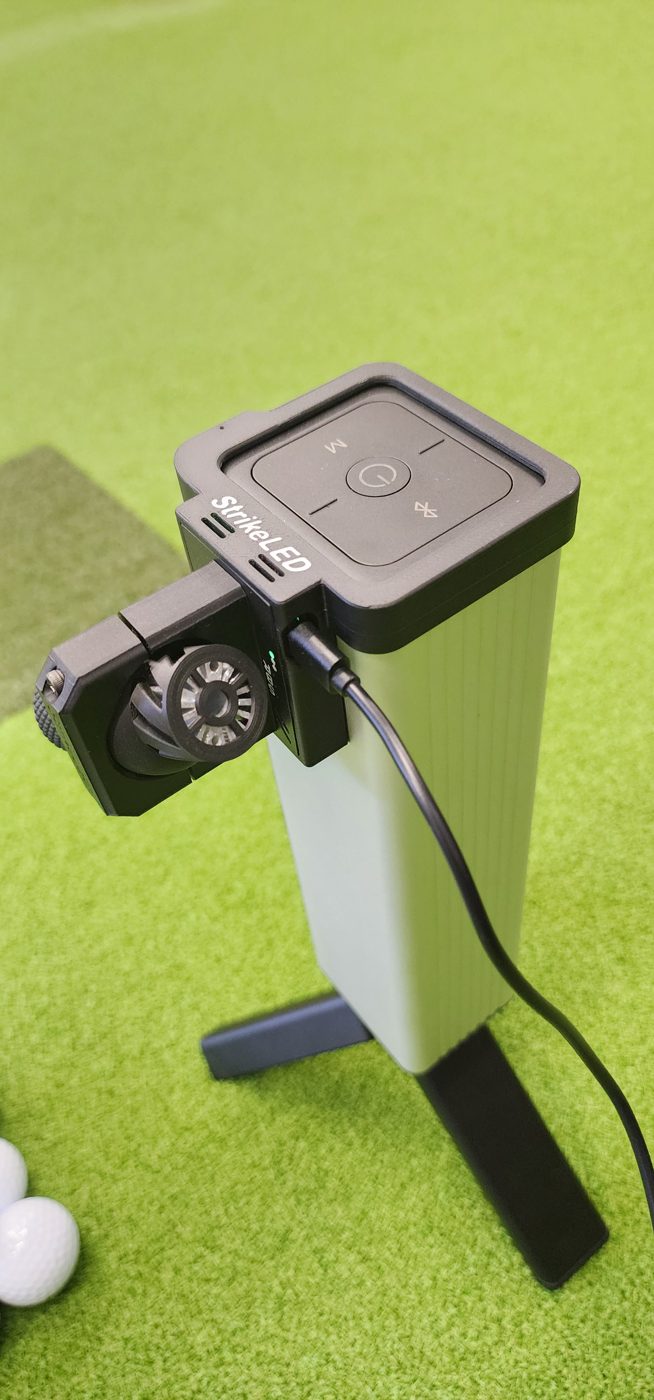
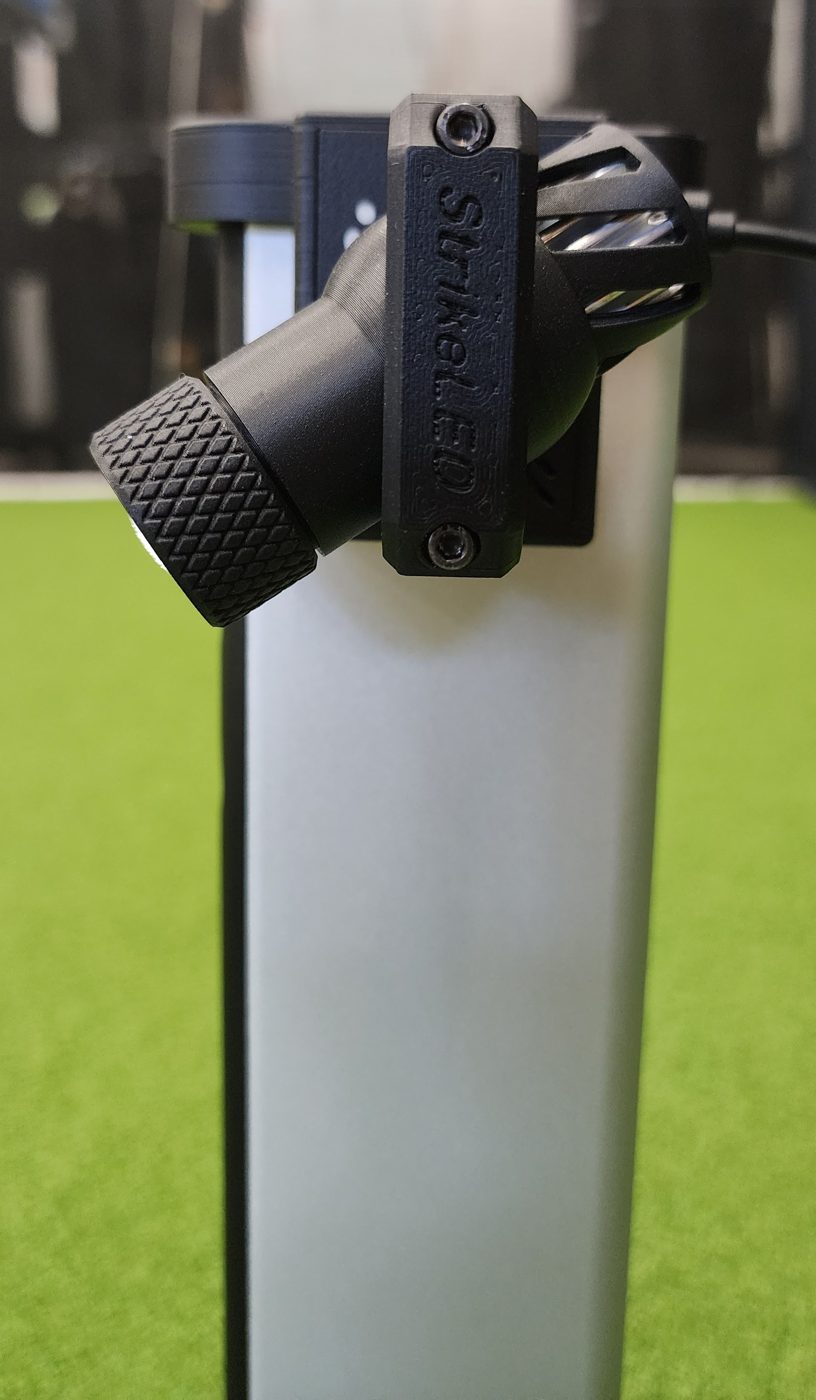
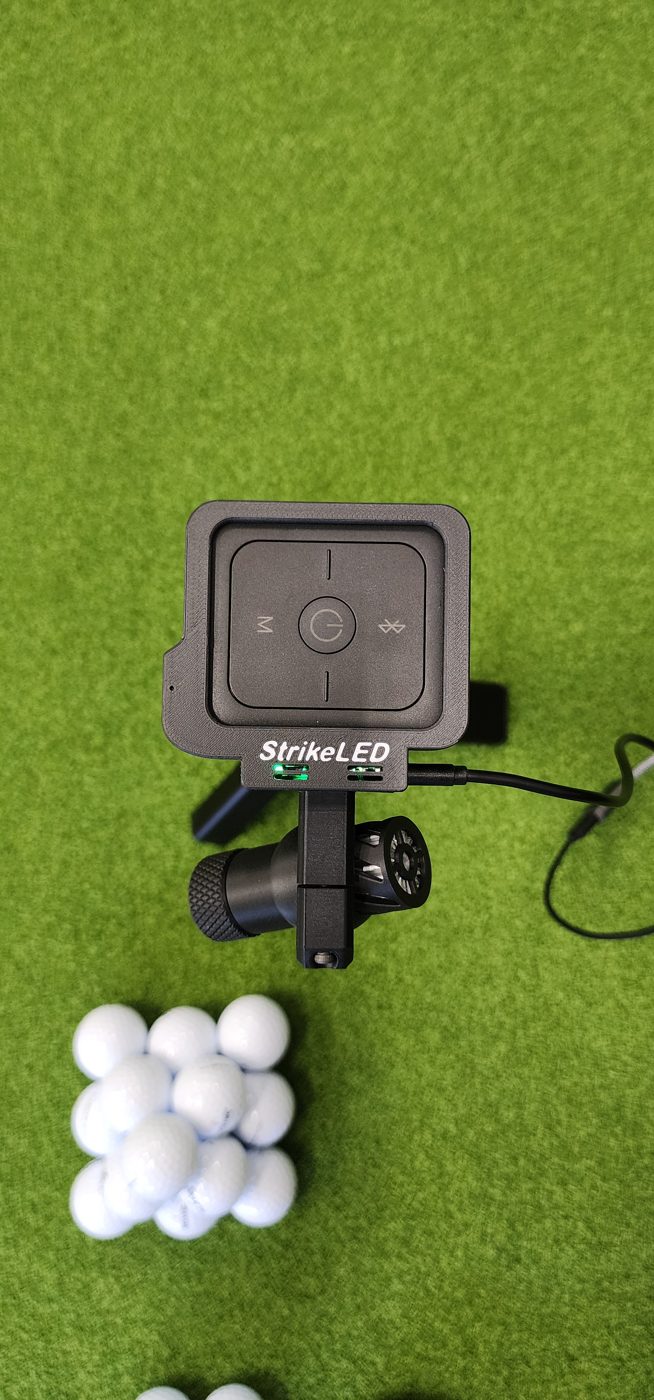
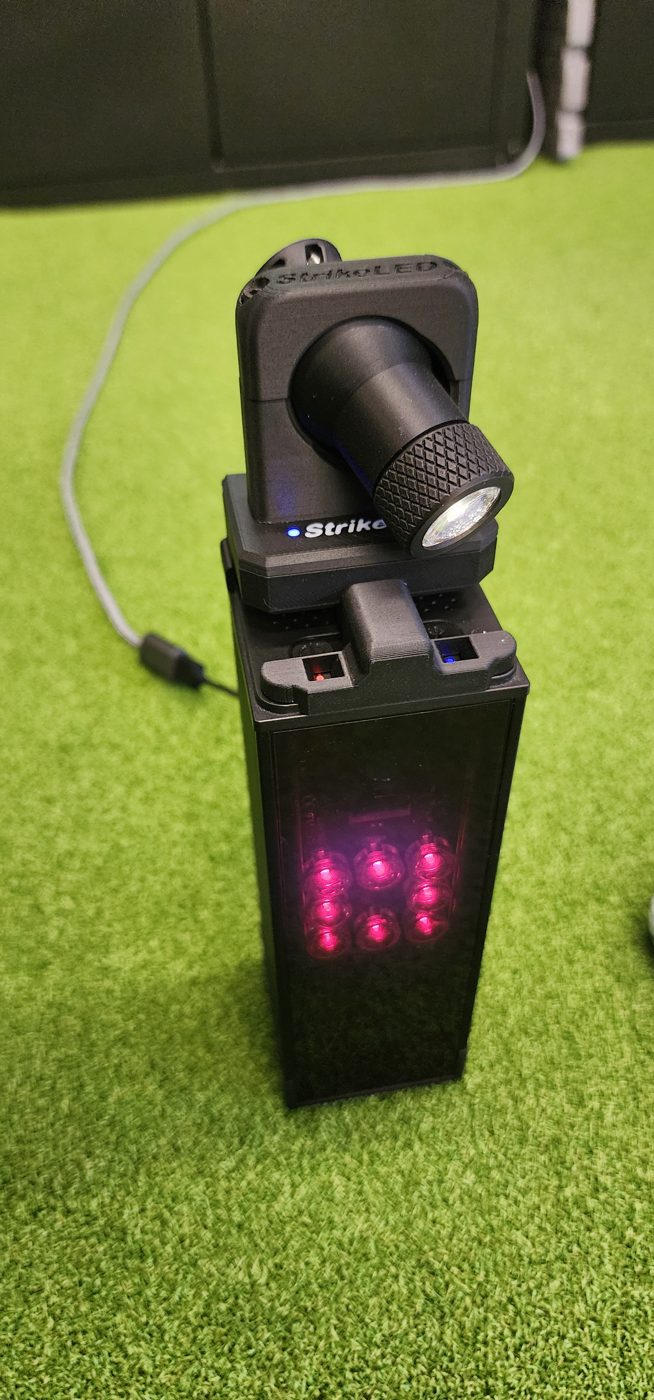
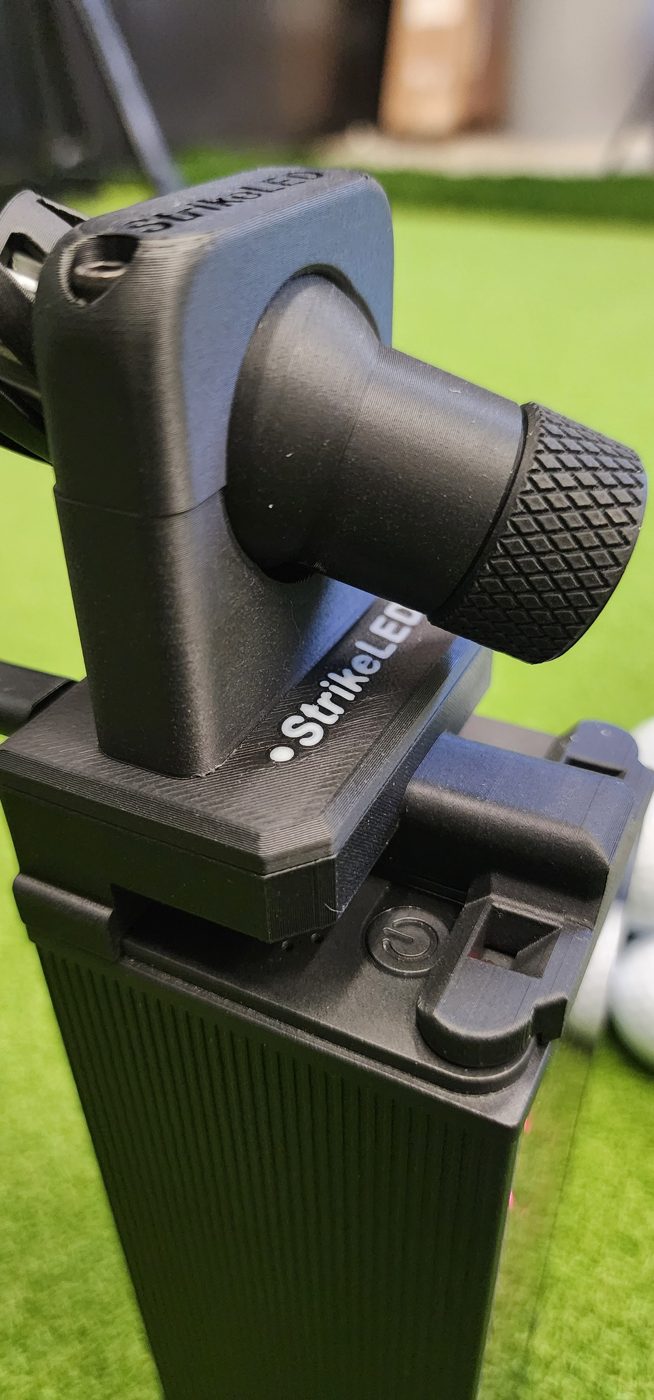
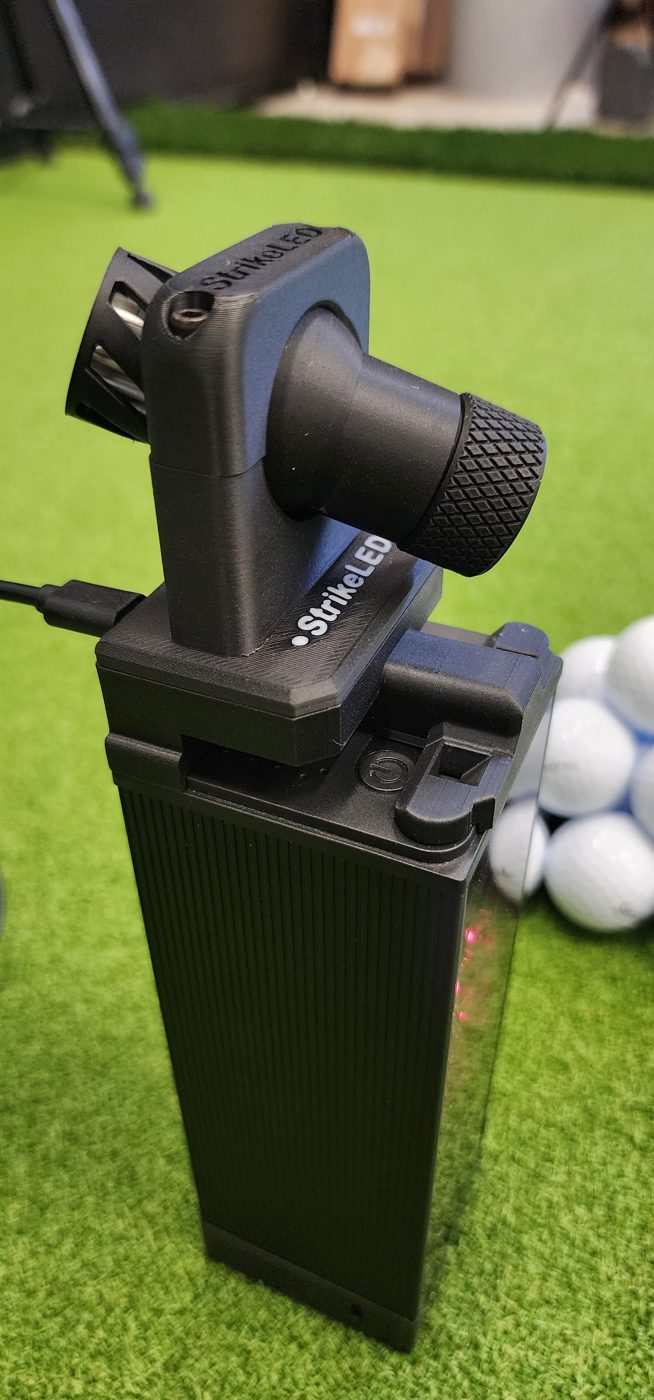
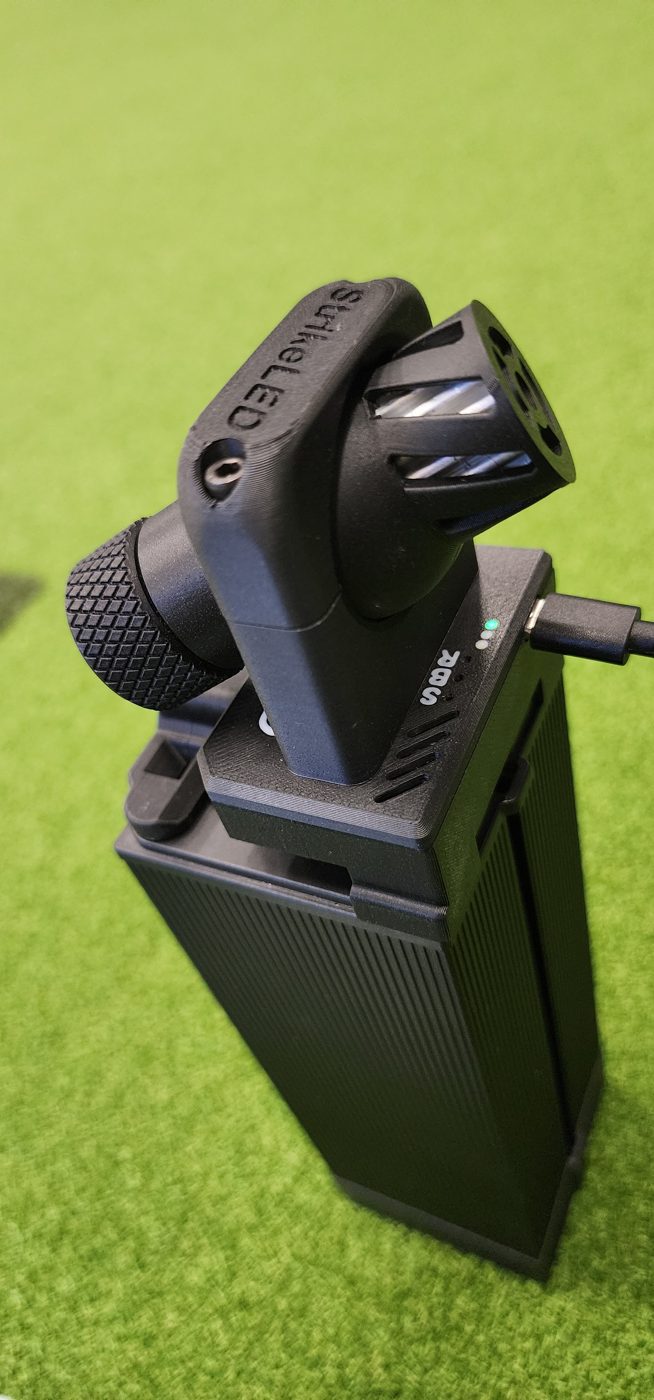
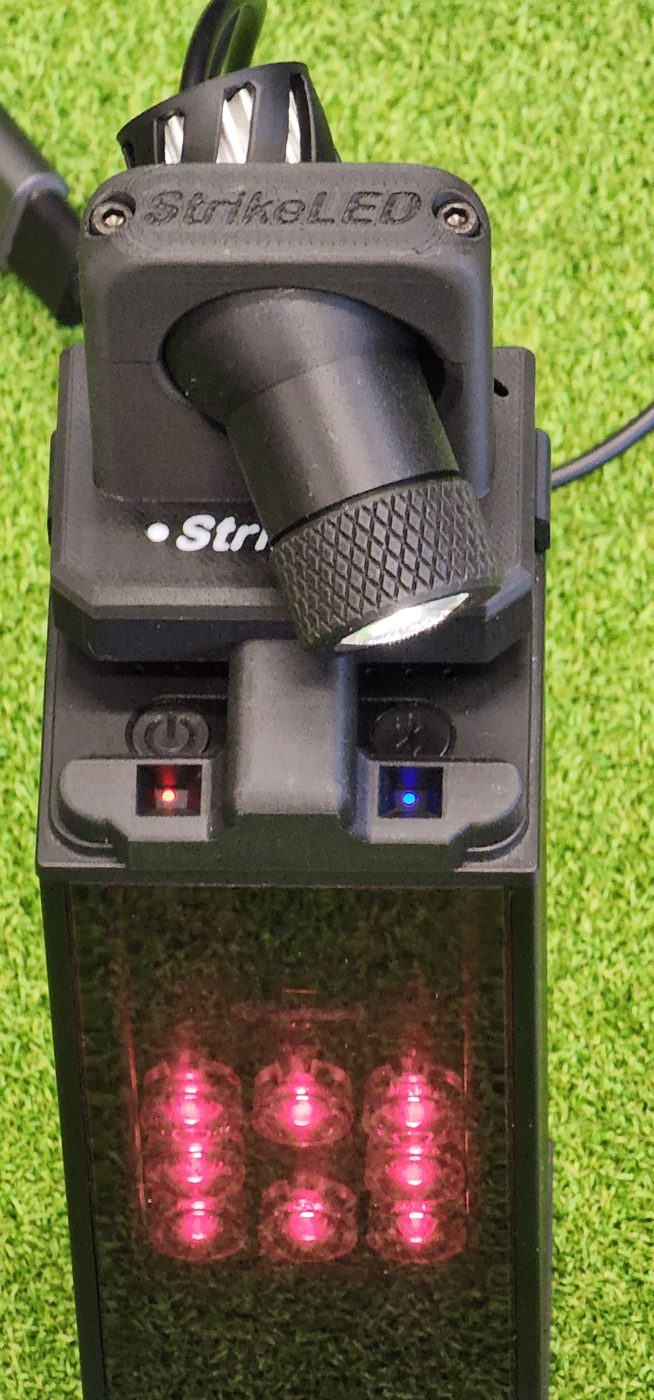
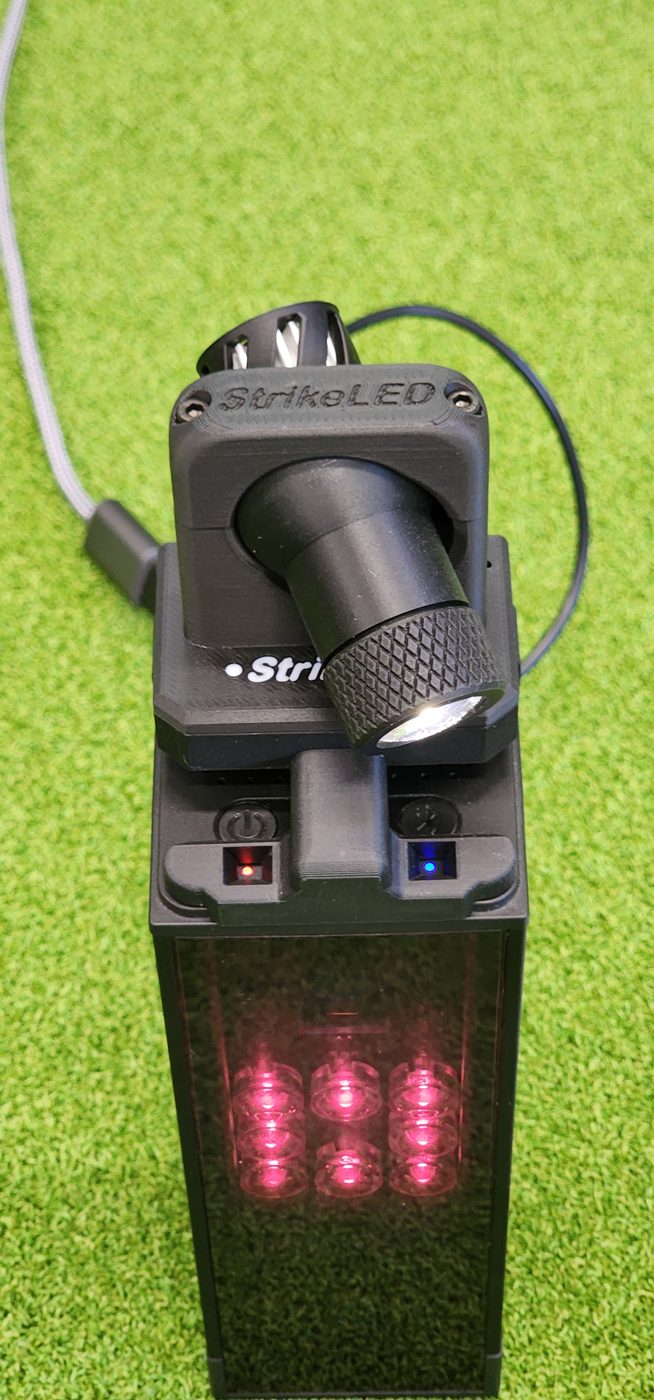
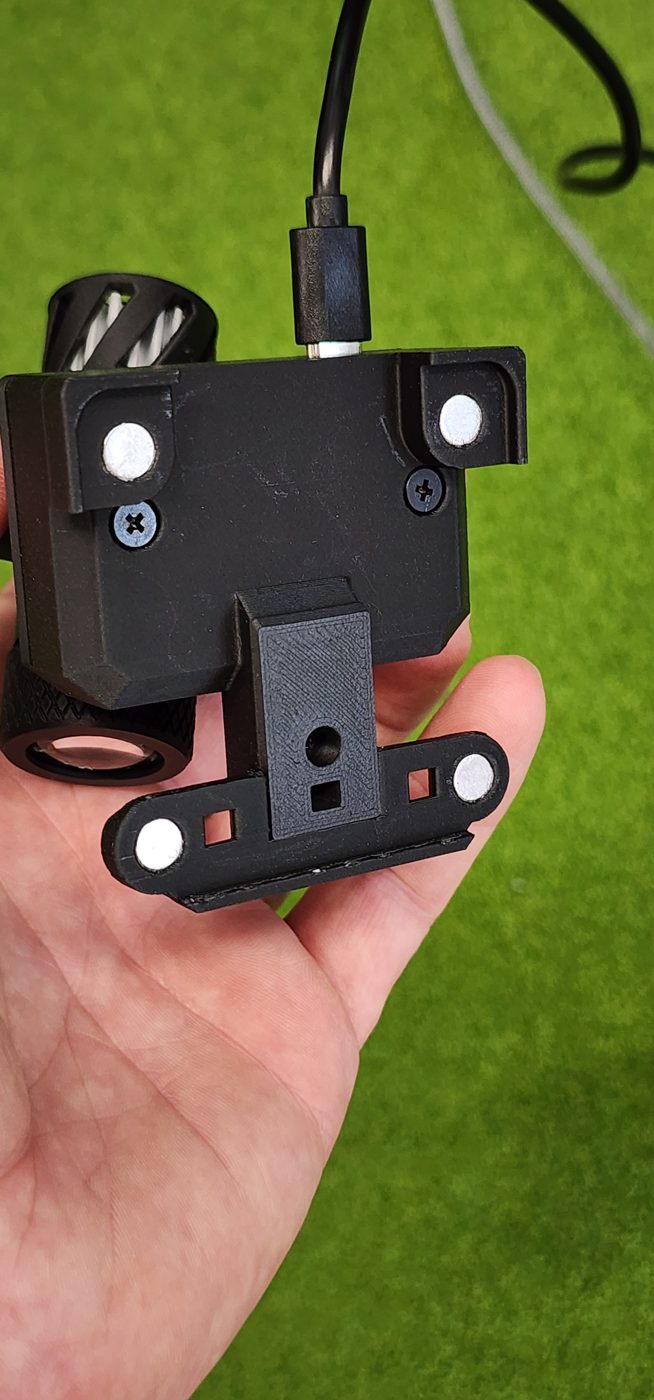
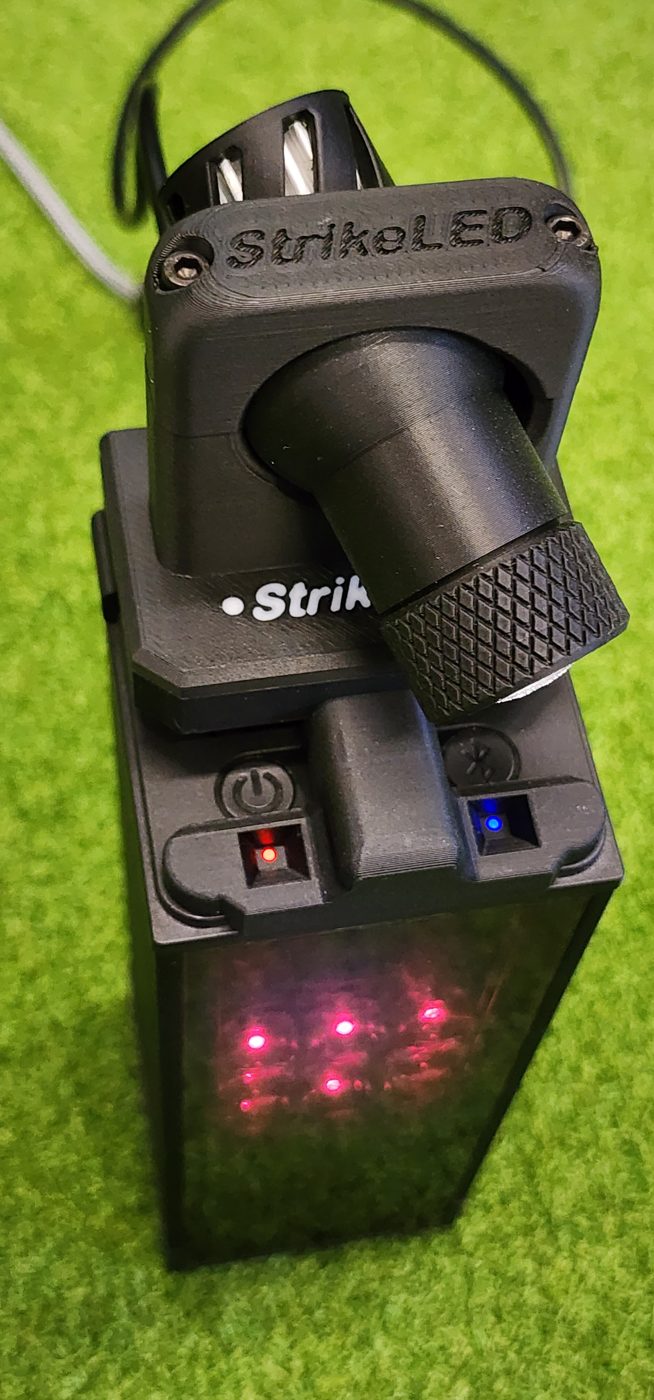
- No app, no pairing, no PC setup
- Quick, toolless attachment and removal
- Projected light always stays aligned with your launch monitor -- even when you move it
Compatible Launch Monitors
- Square Golf Omni Edition
- Square Golf Home Edition
Standard - Single Mode$95
- On/Off Detection Area Projection
- 3 Level Brightness Adjustable
- Smart Dim with Auto Sleep and Wakeup
Pro - Three mode$125
- All of Standard Features
- Adds: Always-On Mode
- Adds: Hybrid Dim Mode
- Adds: Active cooling
Customer reviews
WHAT OTHERS SAY ABOUT STRIKELED
“Excellent product, speedy delivery and works flawlessly”
Try it
Try StrikeLED in our Virtual Bay
Select your launch monitor model and drag the ball onto the hitting strip to see how StrikeLED works. Check out the different modes while you're here!
Launch monitor
Select Your Launch
Monitor Model!
Monitor Model!
Searching
Choose How
StrikeLED Works
StrikeLED modeStrikeLED Works
Drag Ball or
Use Shortcut
Use Shortcut
This StrikeLED Virtual Bay is for illustrative reference only -- actual appearance may vary slightly. Sizes and dimensions of objects shown are to estimated scale using an 18" x 24" hitting strip.
FAQ
COMMON QUESTIONS
Is StrikeLED available for any other launch monitors?+
Not yet, but we have plans for possible future expansion. Email us at strikeledgolf@gmail.com with your launch monitor, if it's using a case and a picture of your setup if possible.
Will StrikeLED work with a protective case on my Square launch monitor?+
Yes and no depending on model:
StrikeLED for Square Home Edition only overhangs less than 1mm from the sides and is designed to fit most cases that do not have a cap or lid. Look at your Home Edition from the top down while it's inside the case. If you have at least 1mm of clearance around all four sides, StrikeLED should fit no problem. Feel free to email us at strikeledgolf@gmail.com with a picture from the top-down of your Square Home Edition installed in the case for an opinion.
StrikeLED for Square Omni Edition fits directly to the launch monitor body and would therefore not be compatible with most cases on the market. We have made design considerations that may help allow this possibility in the future.
Is the brightness adjustable?+
Yes! All versions of StrikeLED have 3-level (High, Medium, Low) adjustable brightness for various ambient lighting or personal preferences.
What is the difference between Standard and Pro?+
Standard is our original design that turns the projection on when the launch monitor is searching for the ball and off when it locks on. Standard version uses passive, convection cooling which is more than sufficient with the partial duty cycle of the On/Off projection mode.
Pro adds Always-On and Hybrid modes along with upgraded, active cooling. Always-On was a highly requested feature and something we were thrilled to be able to add. The Hybrid mode was a natural addition that's been very popular. Both new modes created a challenge with heat management of a high powered LED running at 100% duty cycle so we added a variable speed micro fan for exceptionally effective active cooling.
Talk to me more about the different modes+
Mode 1: On/Off — This mode turns the projection on when the launch monitor is looking for the ball and turns it off when it's locked on. Great for those who want the help finding the actual detection zone while preferring the light off for the actual strike.
Mode 2: Always-On — Just what it sounds: the projected detection zone shape always stays on with no change in brightness. This was the most-requested feature to be added.
Mode 3: Hybrid Dimming — Added as a natural combination to the above modes, Hybrid will just dim the projection to half brightness when the ball is locked on. Great for those who want something left on but like the additional visual confirmation that the ball is detected before taking their shot. This feature has been really well received.
Check out our Virtual Bay HERE to actually demo how these various modes work!
How did this come about?+
This was initially created after watching family and friends get frustrated finding the detection zone or not getting club data because their ball was in the "wrong" spot. I wanted something visual to help them and just wasn't satisfied with the other options out there.
After using StrikeLED on both the Square Home and Omni editions for months and thousands of shots now, I've found it to be an indispensable feature for myself personally, but also for family and friends. They have a much more enjoyable time and completely eliminated the frustration just getting the ball recognized.
How does this differ from other solutions?+
Overhead spotlight — A very popular option. Cost is generally very good but is usually installed on the ceiling and needs a wall outlet for power which isn't a big deal if you have a garage outlet nearby or okay with running cords. Biggest issue for me was the spot shape itself was not exactly matching my hitting area shape, wouldn't turn on and off and didn't shift easily when I'd move my launch monitor around to even out wear on my hitting mat. I wanted a better solution.
OBS Studio — Commonly used and produce those stunning floor projections with club data, replays, etc. The quality of the projection can be really good while the downsides need to be considered. You can generally get away with a used or knockoff projector, but the setup is more complex (both the physical install of the projector, wiring, power, HDMI cable run and spare HDMI port on computer, etc.) and the software side to setup the zones in OBS. This also does not automatically move the lighted projected zone with your launch monitor — something important to those who try to even out the wear on their hitting area.
StrikeLED — After a simple one-time alignment, you simply attach, plug in USB power and you're ready to play! StrikeLED is a self-contained solution that just works. The projected shape always matches your launch monitor no matter where you move it.
What's included in the box?+
- StrikeLED
- 3' USB-C Cable (wall jack not included)
- Button Pin
- Hex Tool
- User Manual
What kind of power requirements does StrikeLED have?+
Just a standard USB-C cord from a standard USB wall plug with at least 1 amp output (most are at or well over this) or a common power bank when can let you tuck it in right behind.
Run duration on a power bank will vary quite a bit based on bank capacity and StrikeLED mode or brightness, but testing using max brightness Always-On with a conservative 10,000mAh size power bank lasted 12+ hours on one charge and over 30 hours of play when using On/Off mode.
How does StrikeLED attach?+
StrikeLED securely snaps on to the Home Edition with magnets and slides on the top of the Omni Edition. Both allow for very quick installation and removal while being securely connected. Both of those take a few seconds or less and no tools are needed for attachment and removal.
What is setup like?+
Perform a one-time alignment and setup is done. The alignment can take a few minutes or less and just involves marking the edges of your actual detection zone (i.e. move a ball to find your four edges, mark them with a tee), aligning the projection to match and tighten down the ball joint.
Does StrikeLED connect to a PC, tablet or phone?+
No, StrikeLED does not pair or connect with any external software or other devices. It requires no hacks, workarounds or other connections of any sort. Place it on your launch monitor, turn it on and StrikeLED is ready to go.